 1:01
1:01
What ACRON does
The short tour. Put in your subjects and grades, read your best-six points, and see which courses those points open.
 All videos
30 videos. Every one has its own link — press Copy link and send it to anyone. They press it and the video plays. No account, no searching.
1:01
The short tour. Put in your subjects and grades, read your best-six points, and see which courses those points open.
 4:16
4:16
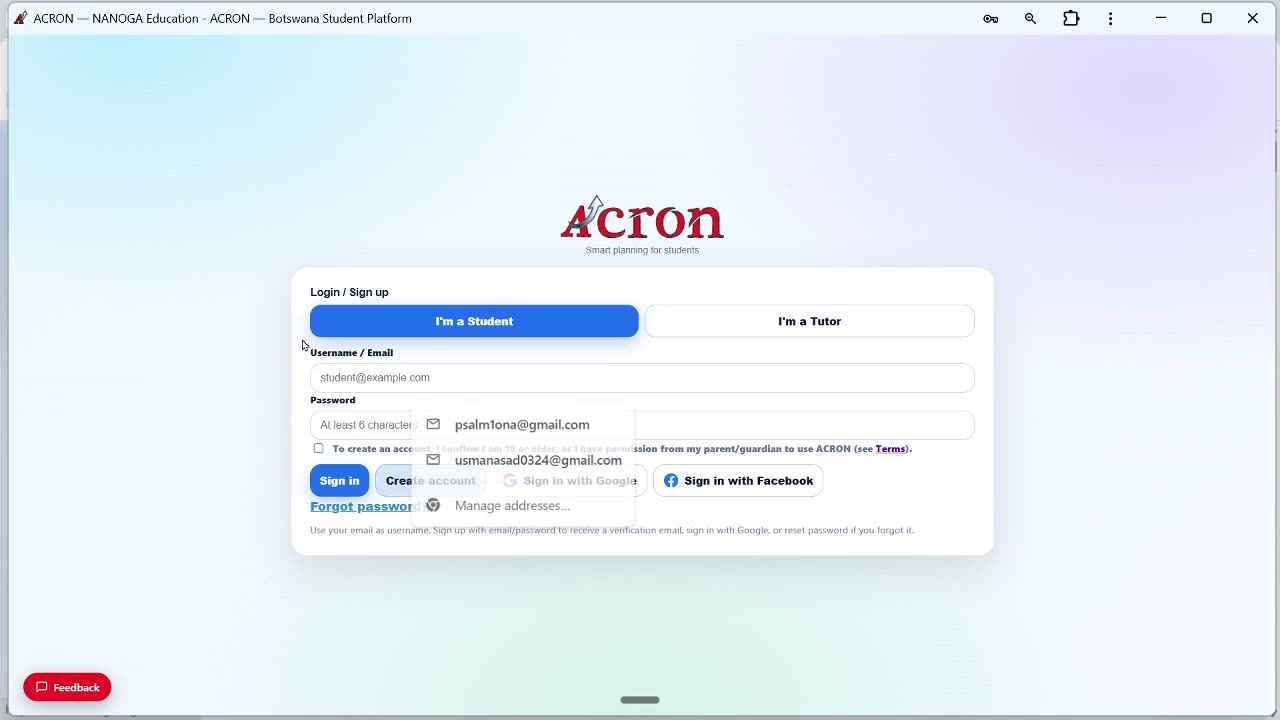
All three ways in — Google, Facebook, or an email and password — from the front page to an account you can use.
 4:40
4:40
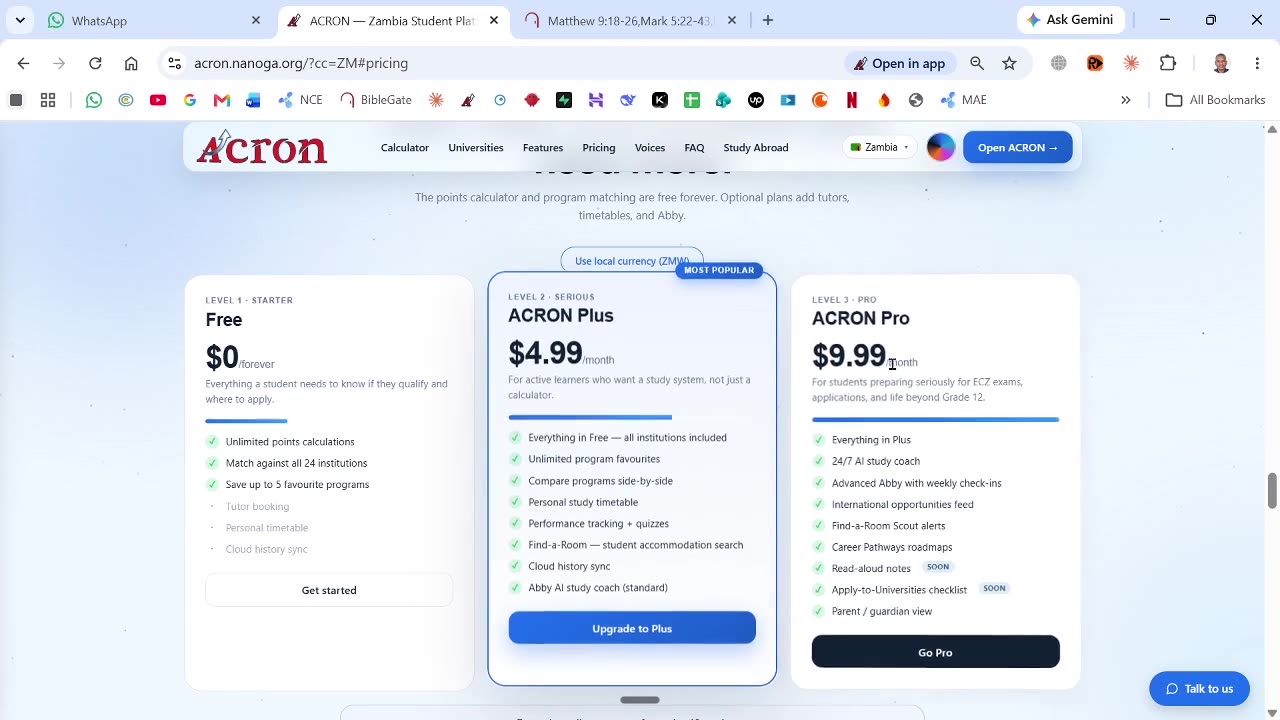
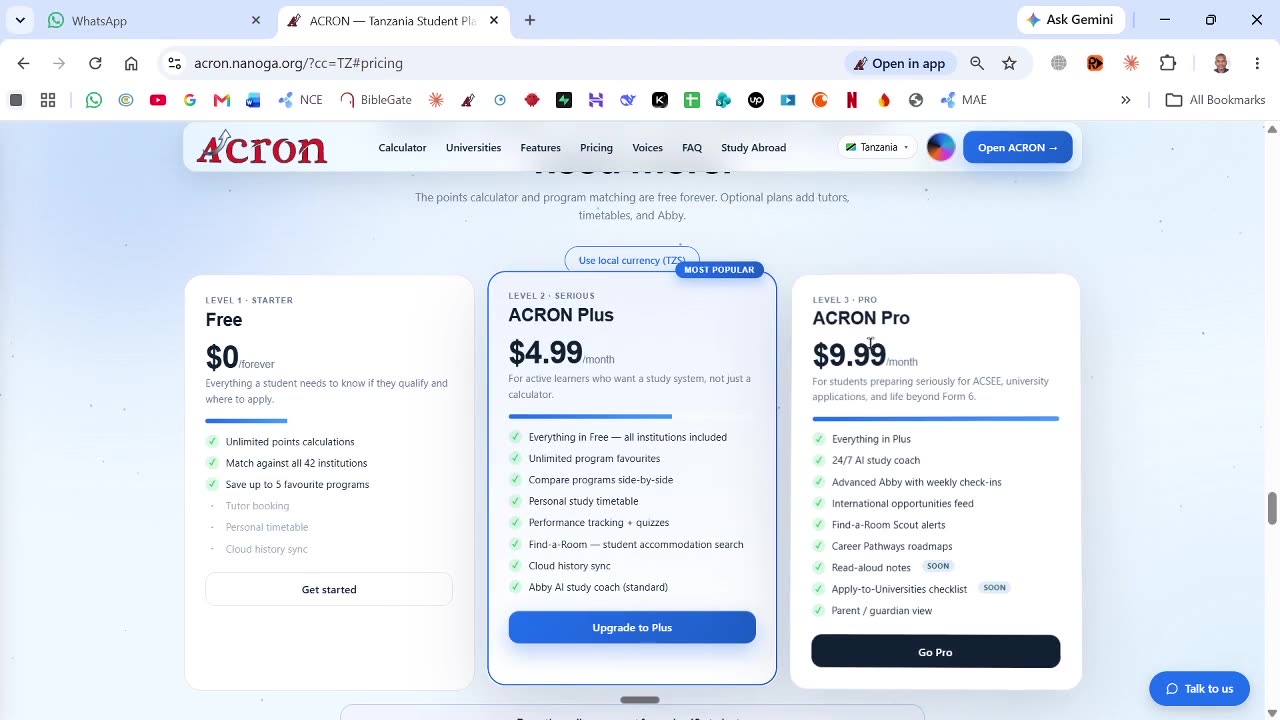
A real subscription end to end: pick Plus, choose monthly or yearly, then pay on the checkout or send a parent the link to pay for you.
ACRON Plus is $4 a month. This video was recorded before the price changed, so the screen in it shows an older figure. Every step is the same.
 4:40
4:40
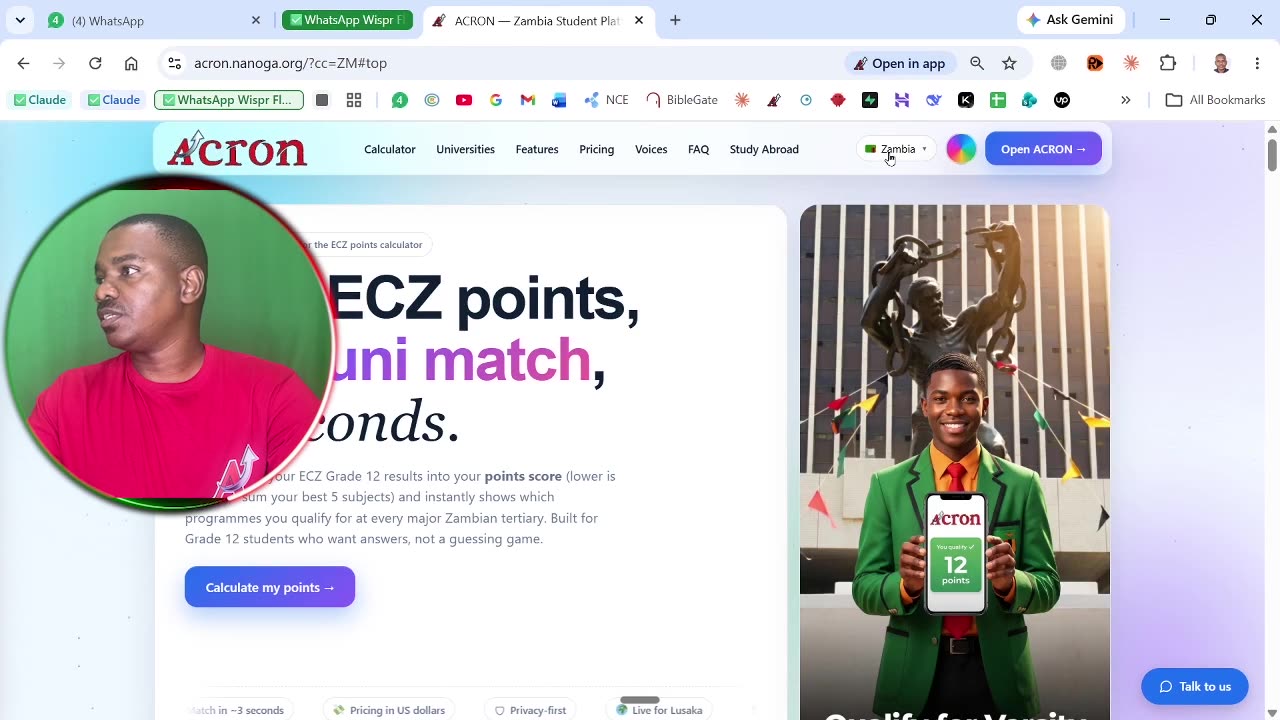
The same walkthrough for the Pro tier: choose the billing period, then pay on the checkout or send a parent the link to pay for you.
ACRON Pro is $7 a month. This video was recorded before the price changed, so the screen in it shows an older figure. Every step is the same.
 9:45
9:45
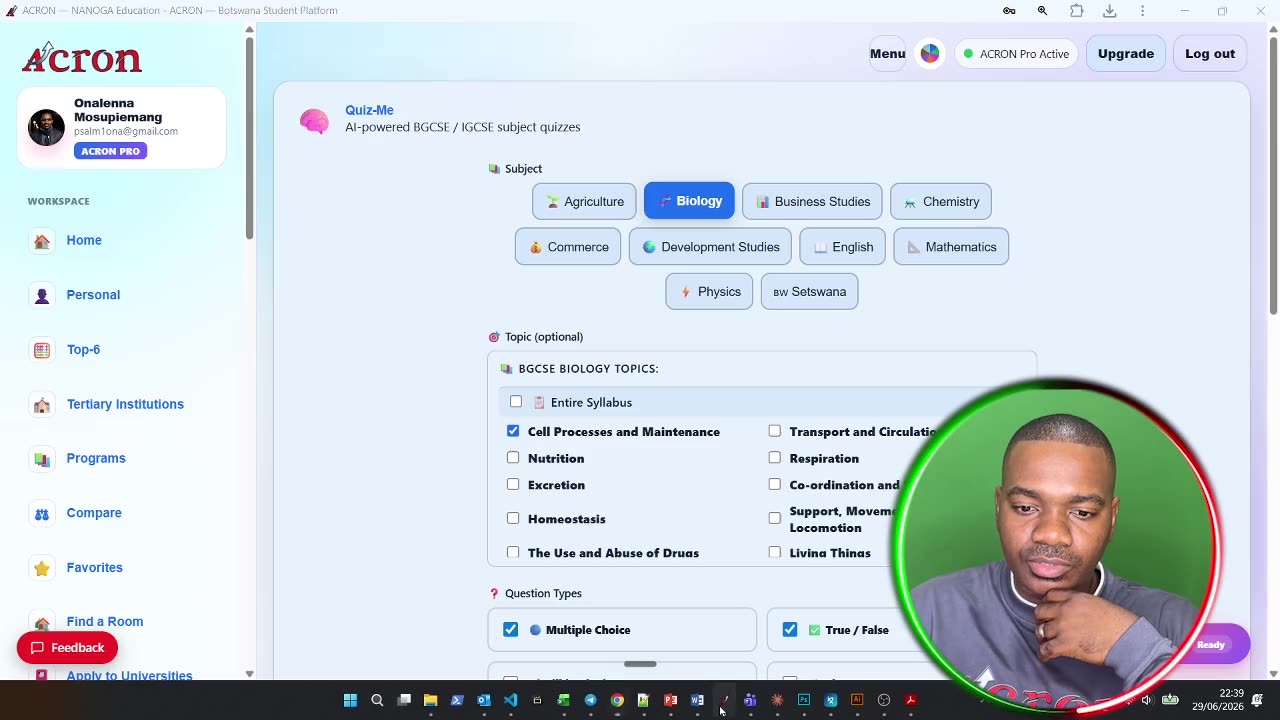
Abby, the study coach, answering a student's questions and building a study plan around the subjects they are sitting.
 1:28
1:28
 4:40
4:40
 30 sec
 7:58
7:58
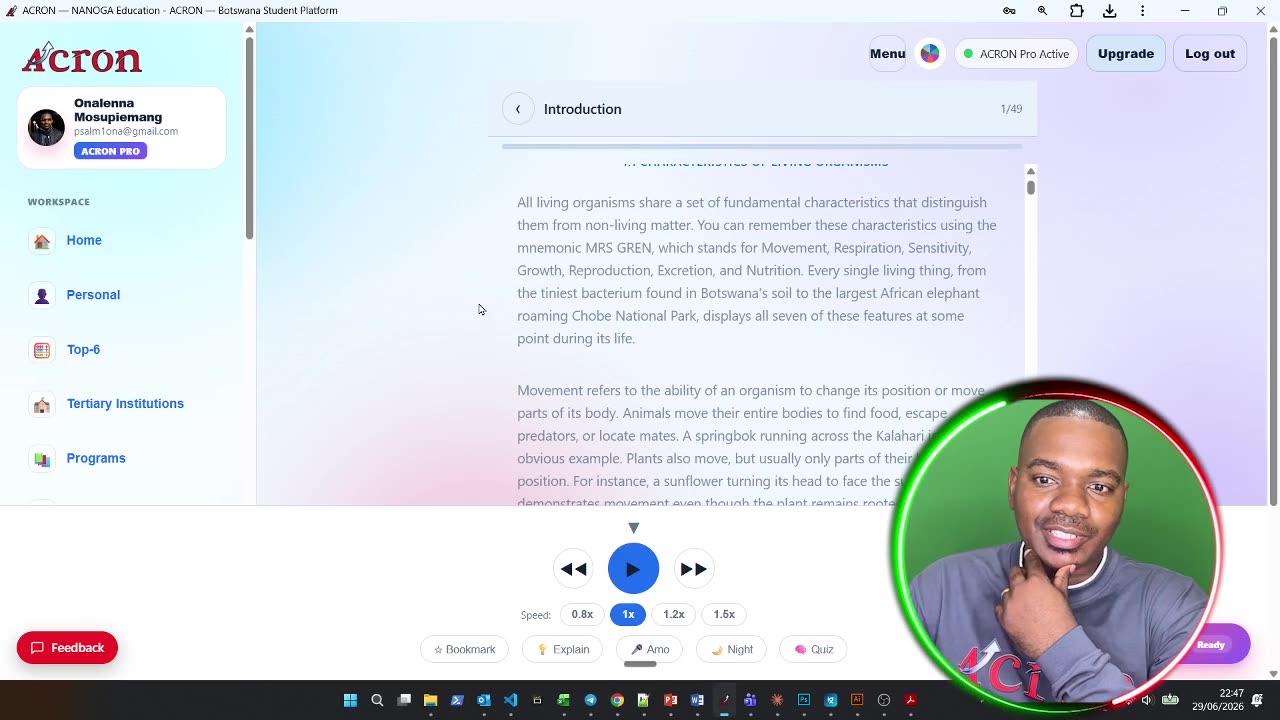
Upload your own notes and have them read back to you out loud. Part of Plus and Pro.
 30 sec
 7:58
7:58
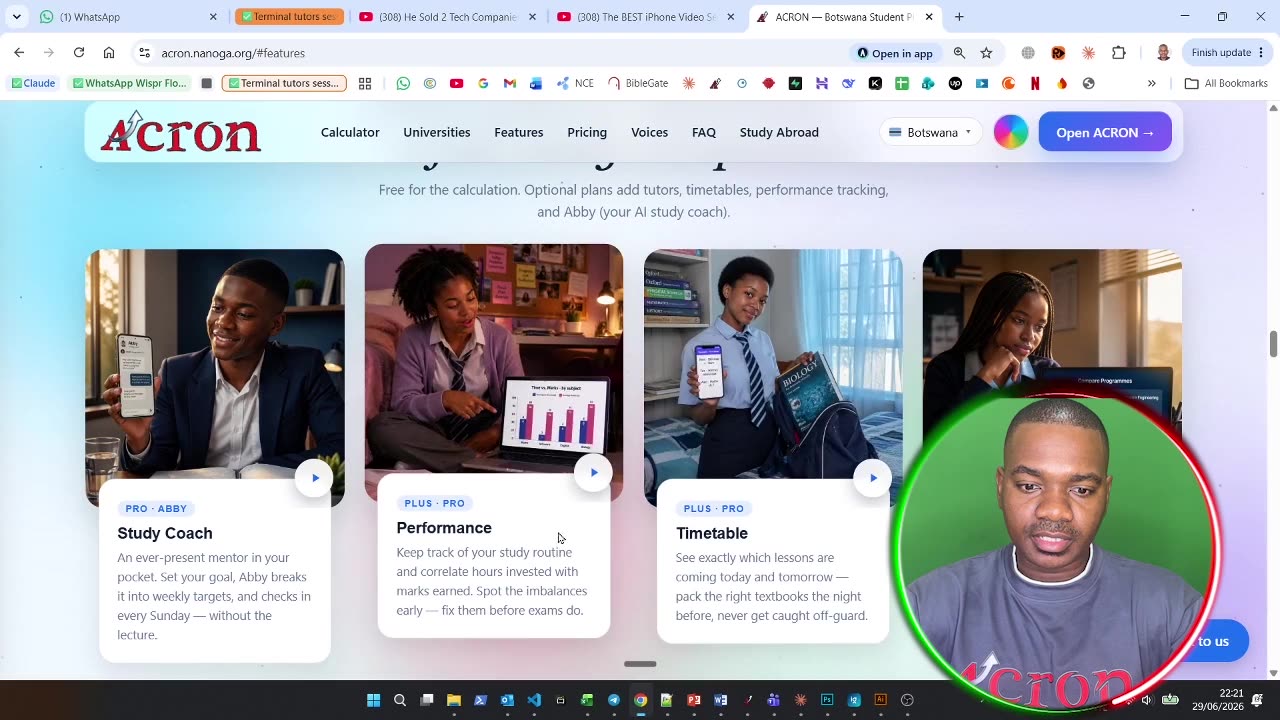
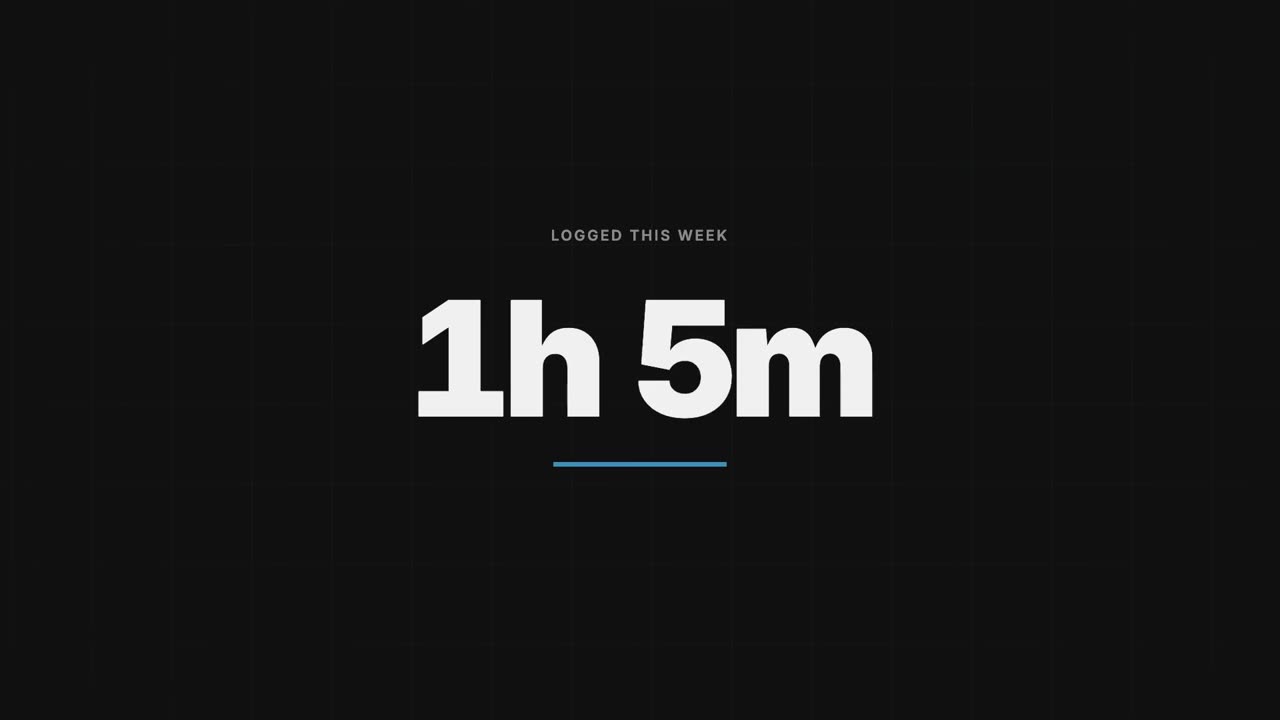
Recording your test and mock results over the year so you can see which subjects are moving and which are not.
 30 sec
 7:18
7:18
 30 sec
 5:18
5:18
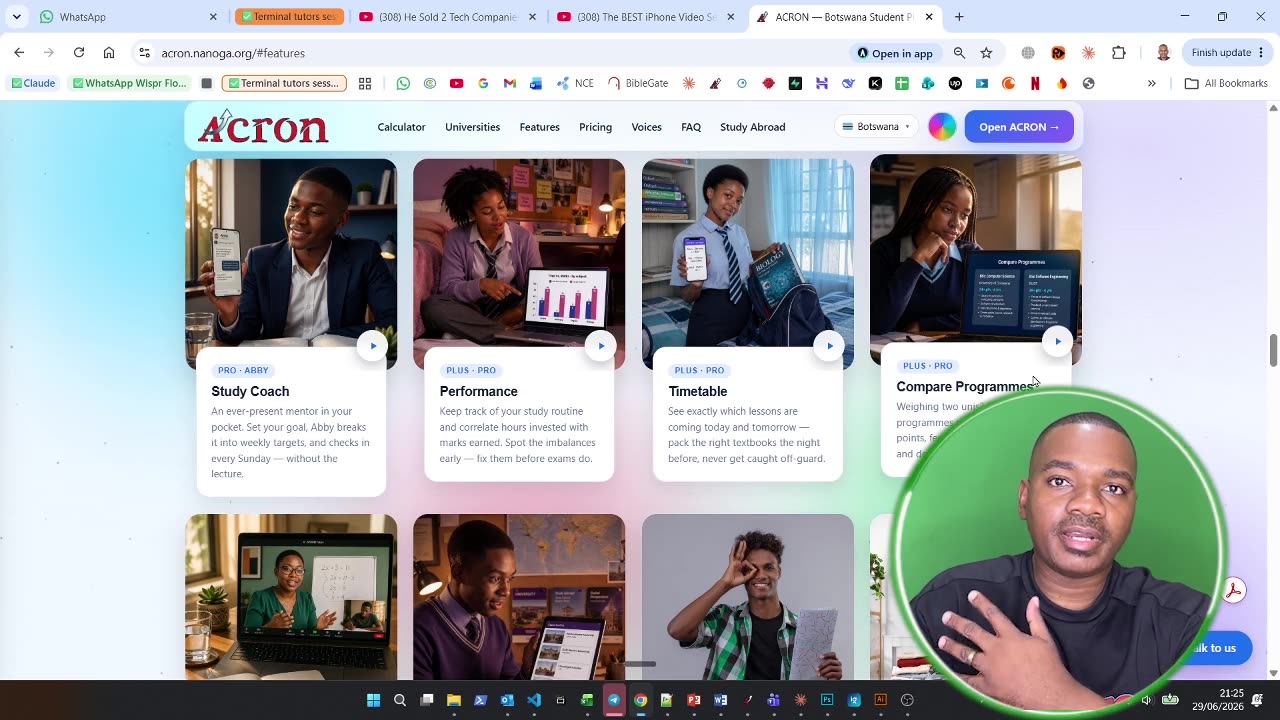
Putting two or more courses side by side — entry points, duration, cost and city — instead of holding it all in your head.
 30 sec
 7:08
7:08
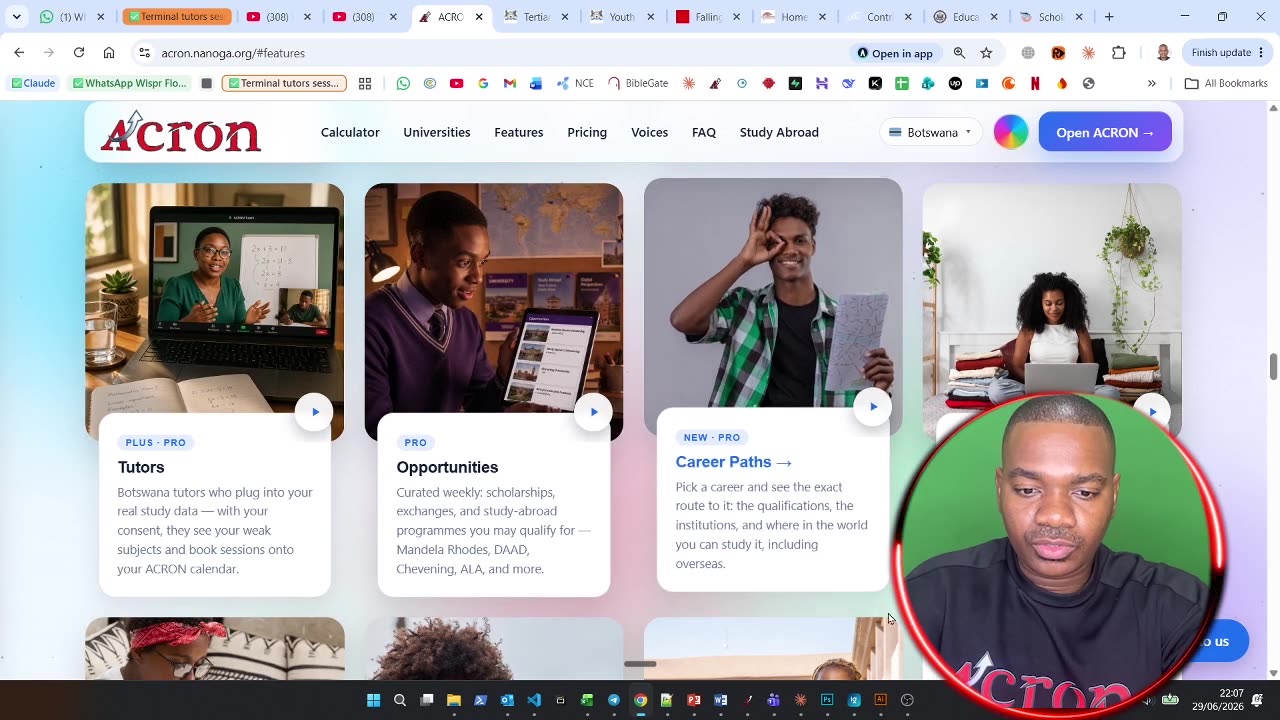
Scholarships, bursaries and openings collected in one place, with the closing date on every one.
 30 sec
 9:35
9:35
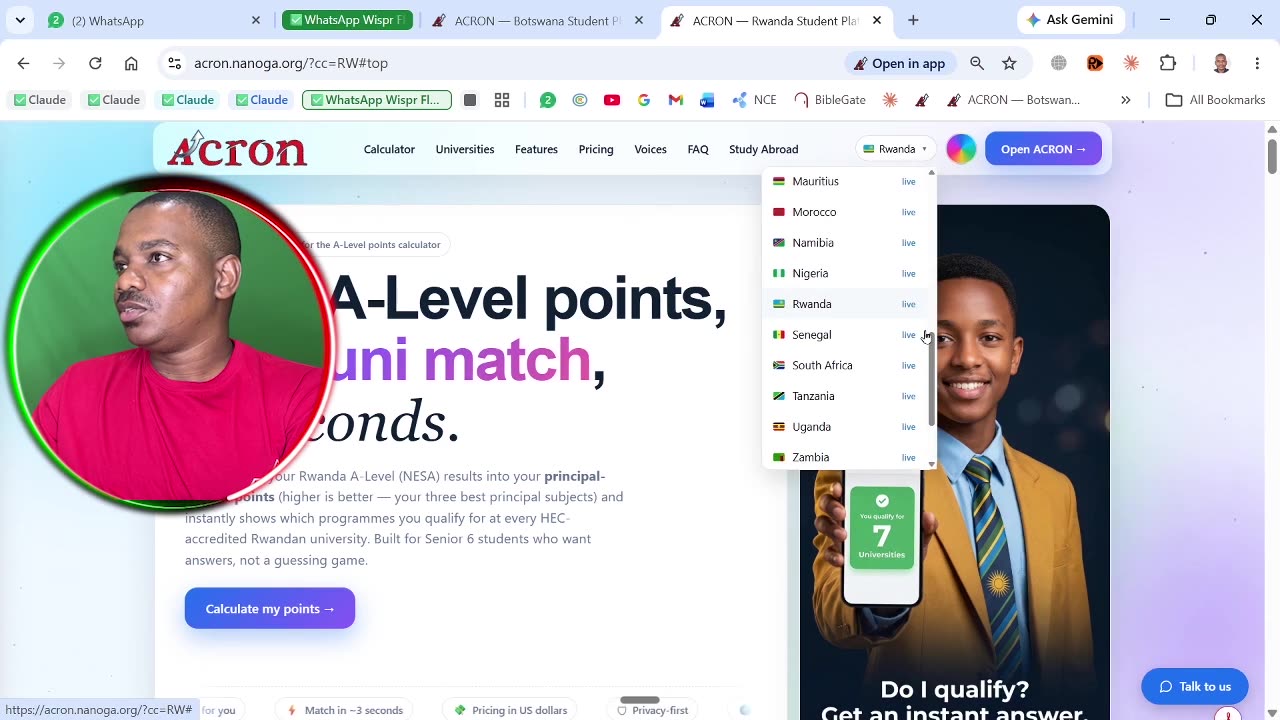
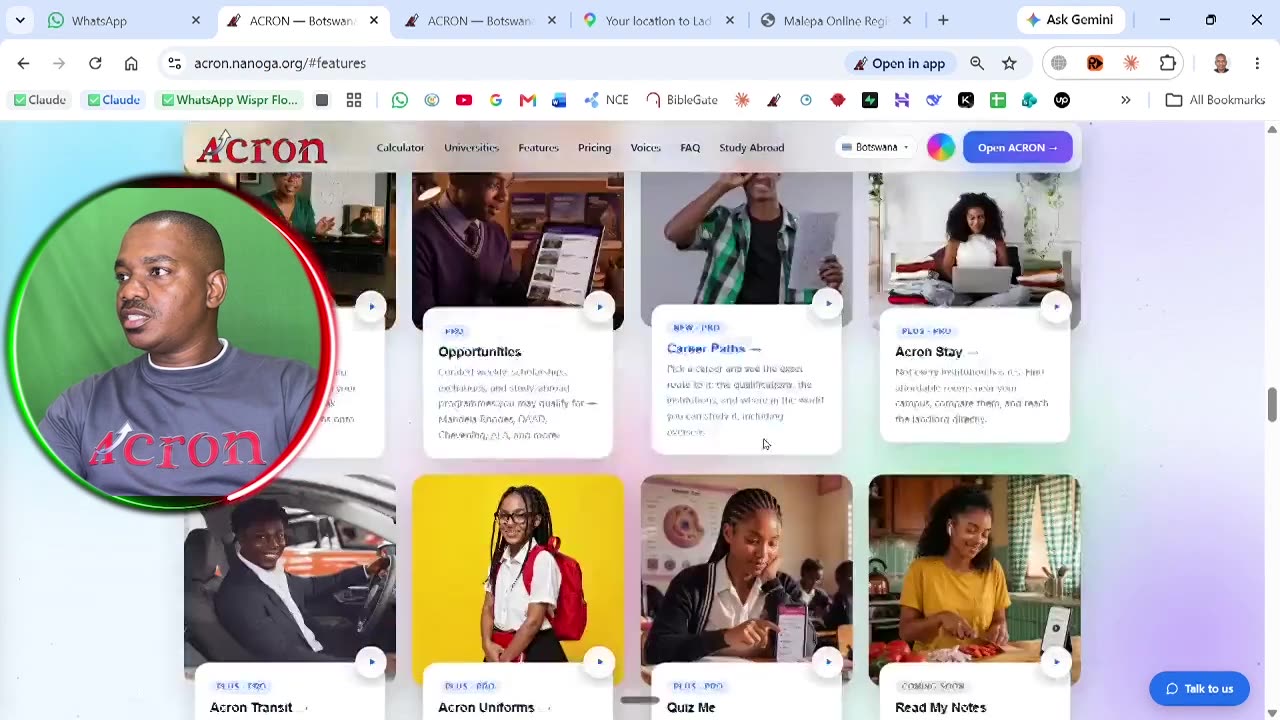
Working backwards from a career to the courses that lead there, and the points those courses ask for.
 30 sec
 9:34
9:34
Where to find past papers and study material. ACRON links out to them — it does not host them.
 30 sec
 10:19
10:19
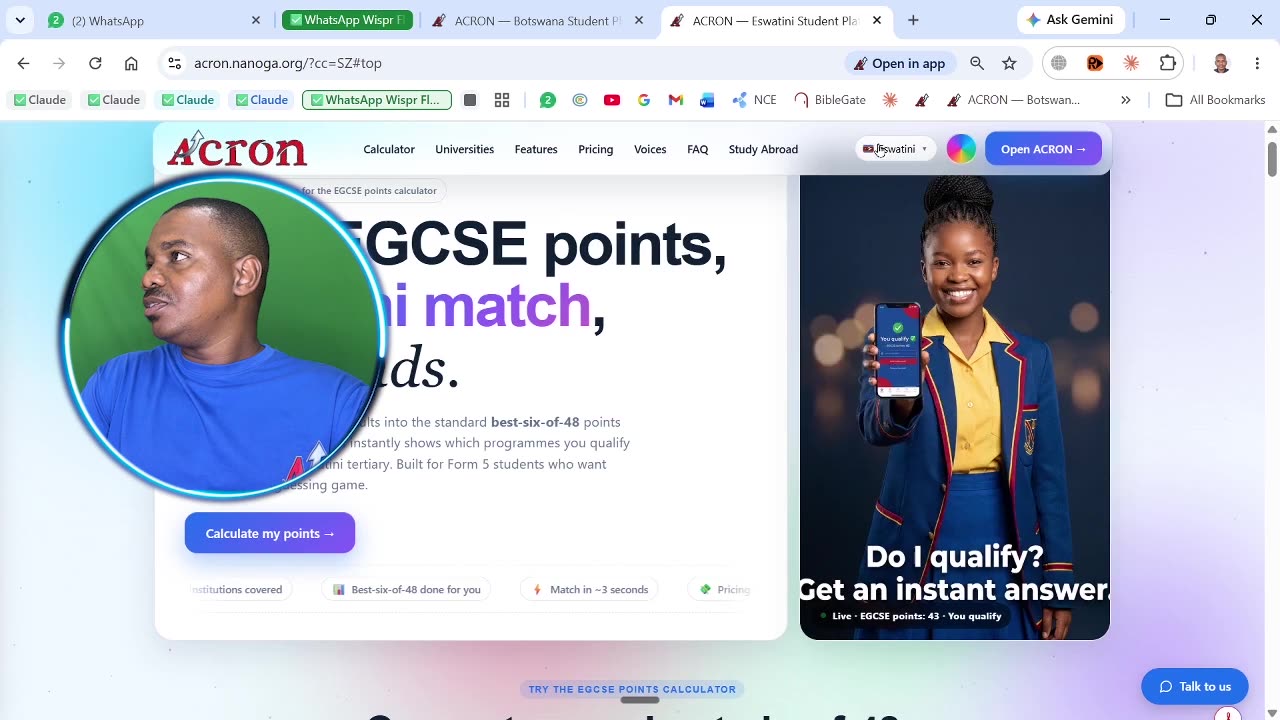
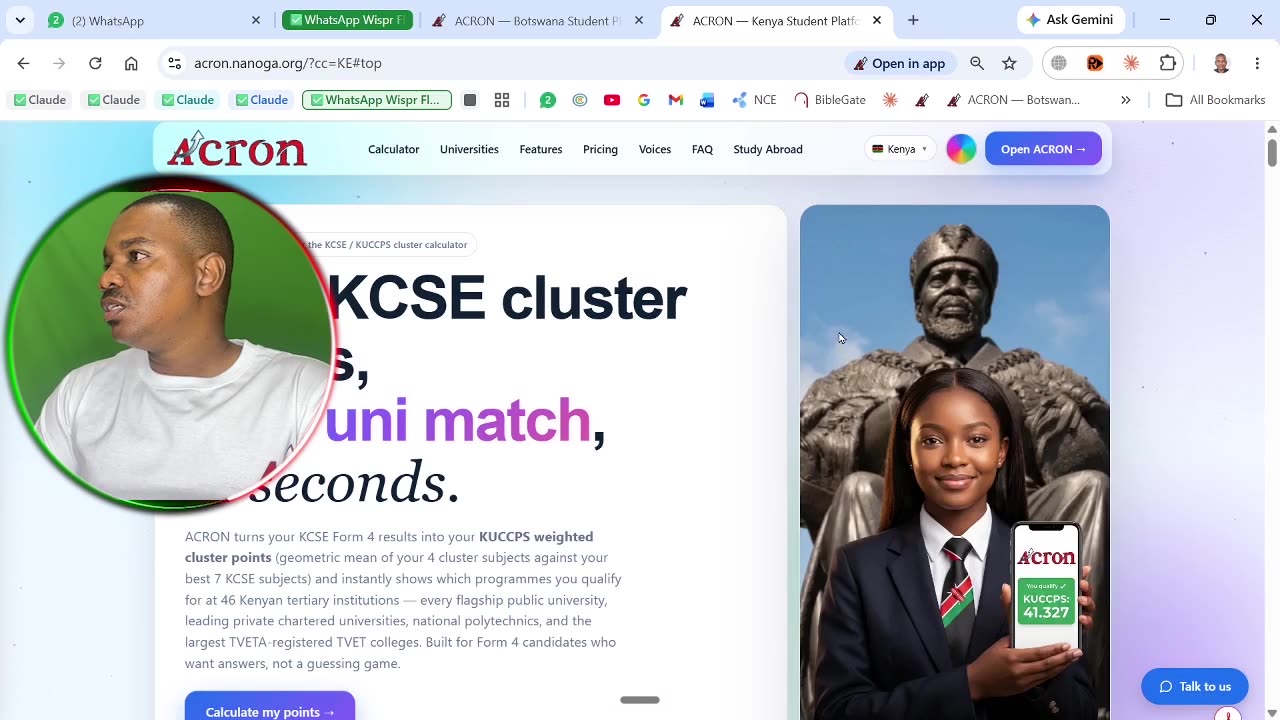
Routes and fares for getting to campus. ACRON does not vet the operators, and the film says so.
 8:22
8:22
 10:19
10:19
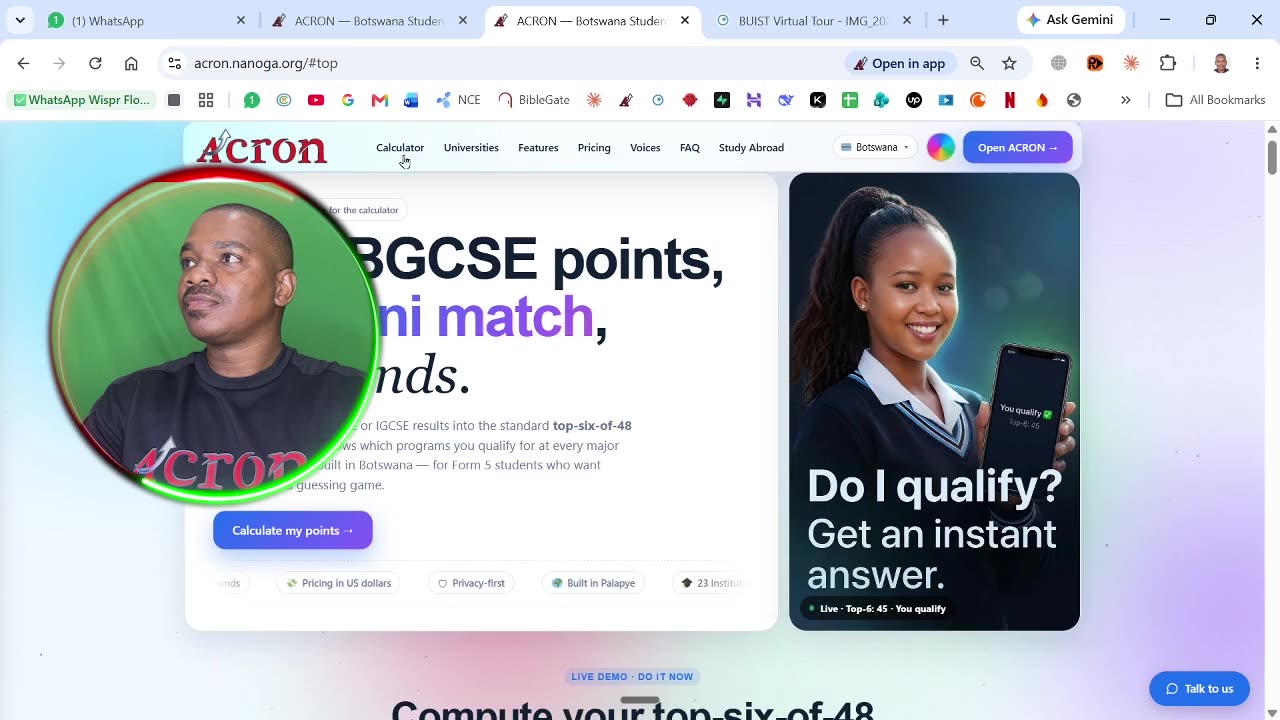
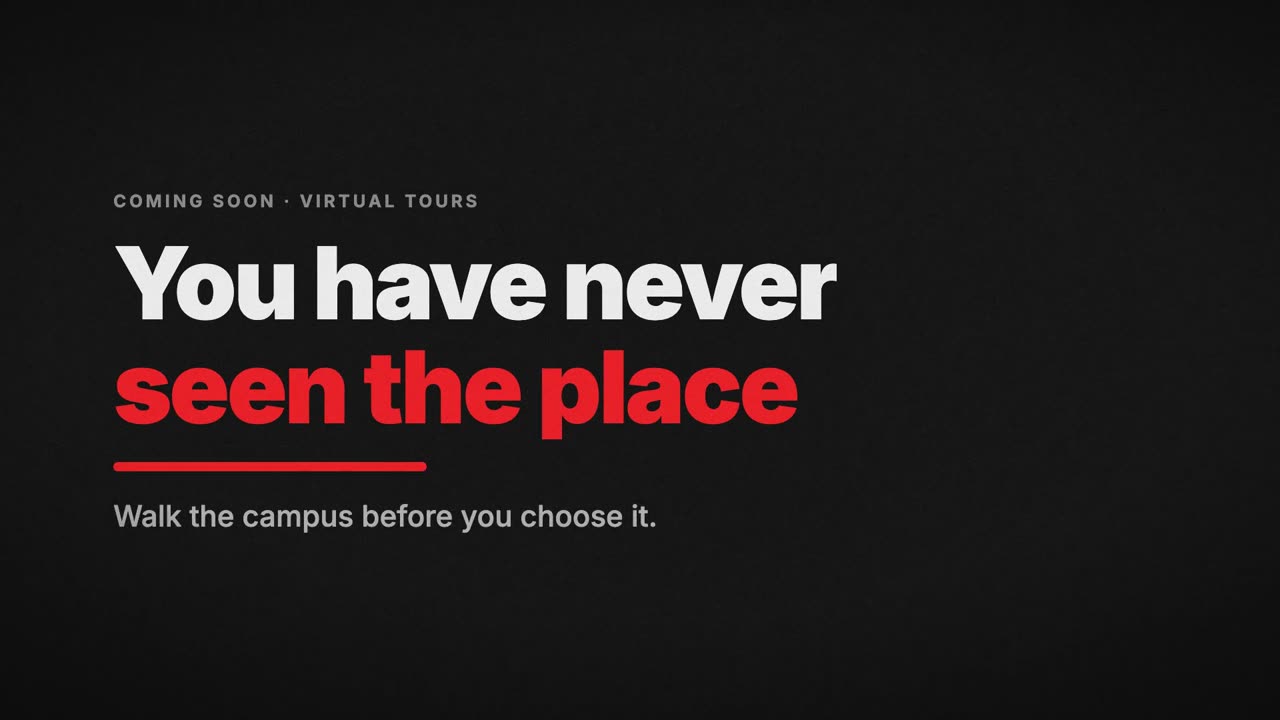
Walking a campus in 360 degrees before you apply. Built from real BIUST tour frames.
 30 sec
A preview. This one has no product screens in it, because the in-app page is not built yet.
 11:08
11:08
A preview of applying to several institutions from one form. This feature is not open yet.
 30 sec
 30 sec
For combi, taxi and bus operators. How to put your route, fare and times in front of students.
 30 sec
For uniform shops and tailors. How to list what you sell for the schools near you.
Questions: WhatsApp us · acron.nanoga.org